Upgrade php5.4 to php5.6
How to Upgrade PHP version 5.4 to 5.6 on CentOS/RHEL
Step 1:
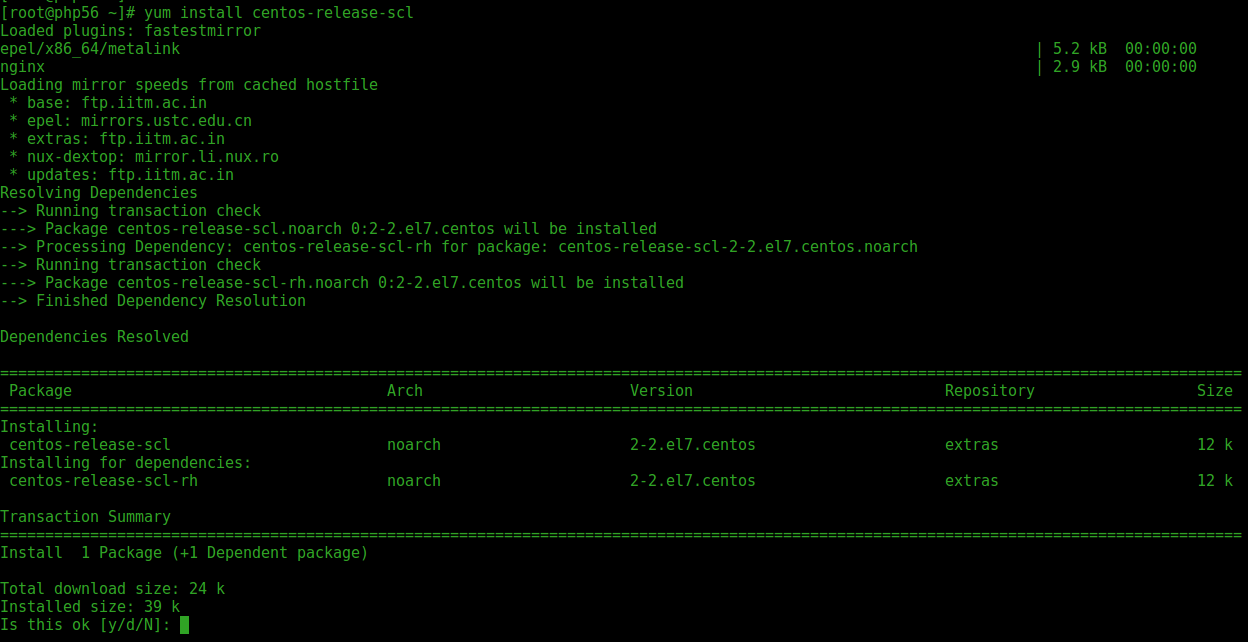
Install the Centos SCL repository
yum install centos-release-scl
Step 2:
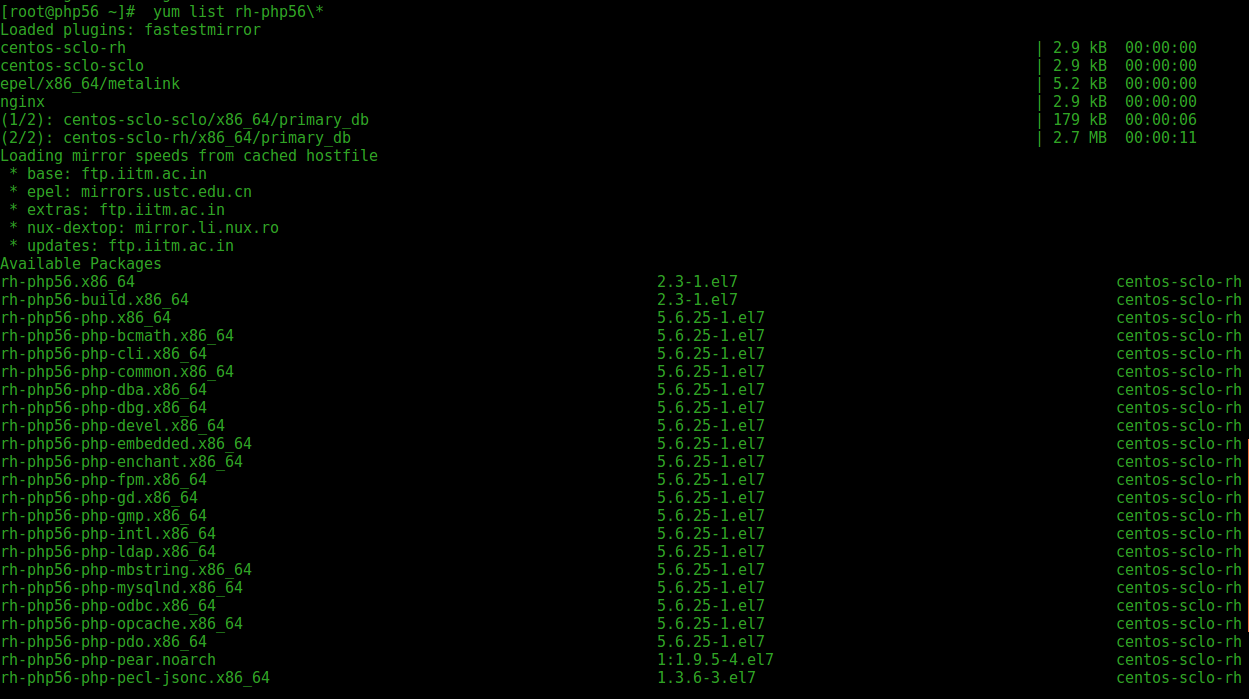
List PHP5.6 Package
yum list rh-php56\*
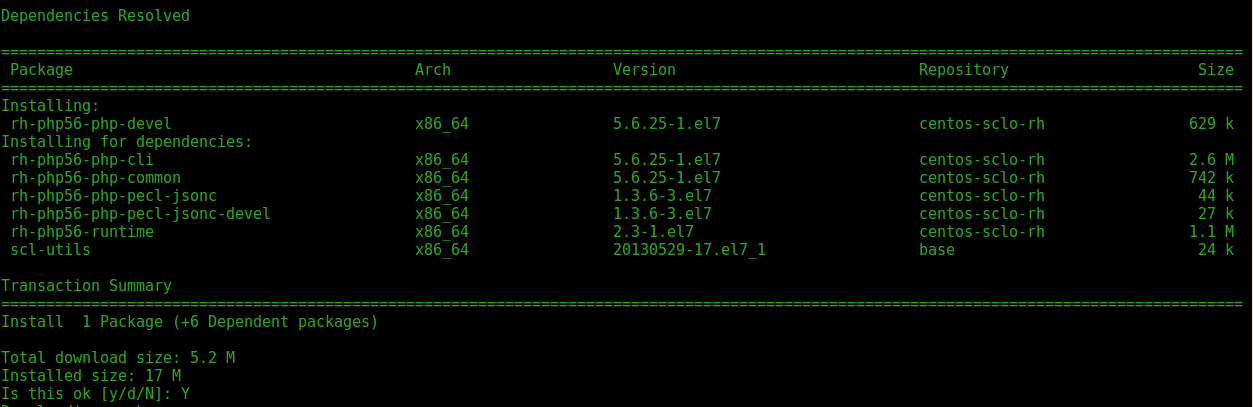
Install 5.6
yum install rh-php56-php-devel
yum install rh-php56-php rh-php56-php-devel rh-php56-php-mbstring rh-php56-php-gd rh-php56-php-fpm rh-php56-php-mysqlnd libxml2-devel

PHP 5.6 File Structure :
Configuration File (php.ini) Path /opt/rh/rh-php56/root/etc
Loaded Configuration File /opt/rh/rh-php56/root/etc/php.ini
Scan this dir for additional .ini files /opt/rh/rh-php56/root/etc/php.d
command path /opt/rh/rh-php56/root/bin/php
Step 3:
Check php version and desible
php -v
mv /etc/httpd/conf.d/php.conf /etc/httpd/conf.d/php54.off
mv /etc/httpd/conf.modules.d/10-php.conf /etc/httpd/conf.modules.d/10-php54.off
Enable new php5.6
cp /opt/rh/httpd24/root/etc/httpd/conf.d/rh-php56-php.conf /etc/httpd/conf.d/
cp /opt/rh/httpd24/root/etc/httpd/conf.modules.d/10-rh-php56-php.conf /etc/httpd/conf.modules.d/
cp /opt/rh/httpd24/root/etc/httpd/modules/librh-php56-php5.so /etc/httpd/modules/
Step 4:
Restart httpd service
systemctl restart httpd
Step 5:
Check php version in browser, Create phpinfo file using below command
echo "<?php
phpinfo()
?>" > /var/www/html/info.php
Open Browser :


Comments
Post a Comment