How to autostart openstack instance or VM
Configuring Instances to Start Automatically in OpenStack
Open the nova.conf file & find resume_guests_state_on_host_boot property
vi /etc/nova/nova.conf
# resume_guests_state_on_host_boot=false
# Set the value of the property to true:
resume_guests_state_on_host_boot=true

systemctl restart openstack-nova-compute
Method 2:
You can Set the 'autostart' flag so the vm/domain is started upon boot.
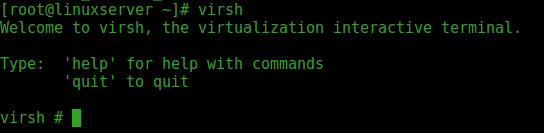
You can use virsh command just type virsh on terminal & get help for all available option
To list all available domain
virsh
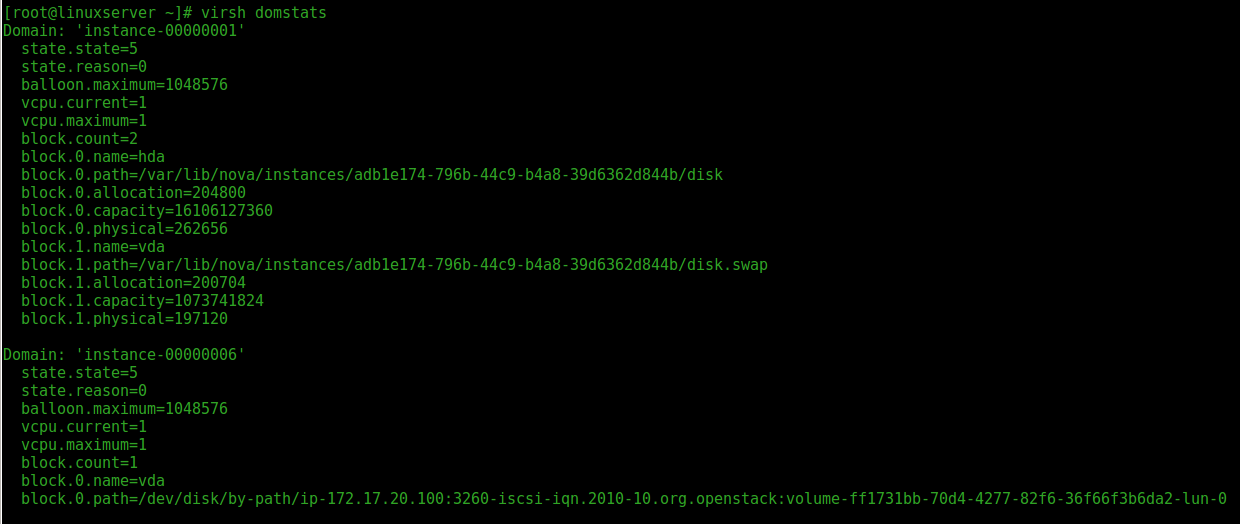
To Domain list.
virsh domstats
virsh net-list

Here is no auto restart VM found
Set 'autostart' flag
virsh autostart instance-00000001
For autostart you need to use available KVM functionality.

Comments
Post a Comment